
Your customers message you on WhatsApp and Instagram, and your team lives in its calendar and CRM. GenuDo steps in between: it replies, books and updates, and the result shows up in the tools your team already knows.
 GenuDo
 Google Calendar
 HubSpot
 Zoho
ZohoYou never ask a customer to download anything or change a habit. The employee replies where the customer started, and every conversation lands in one inbox.




The employee works inside your tools instead of replacing them: it books on your calendar, updates your CRM, and hands support tickets to the system your team already has open.
Checks free slots, then books the meeting.

Updates the opportunity the moment a customer is ready, so nobody retypes it.


Adnan works with the helpdesk your team is used to.
Alerts and data in the places your team already looks.


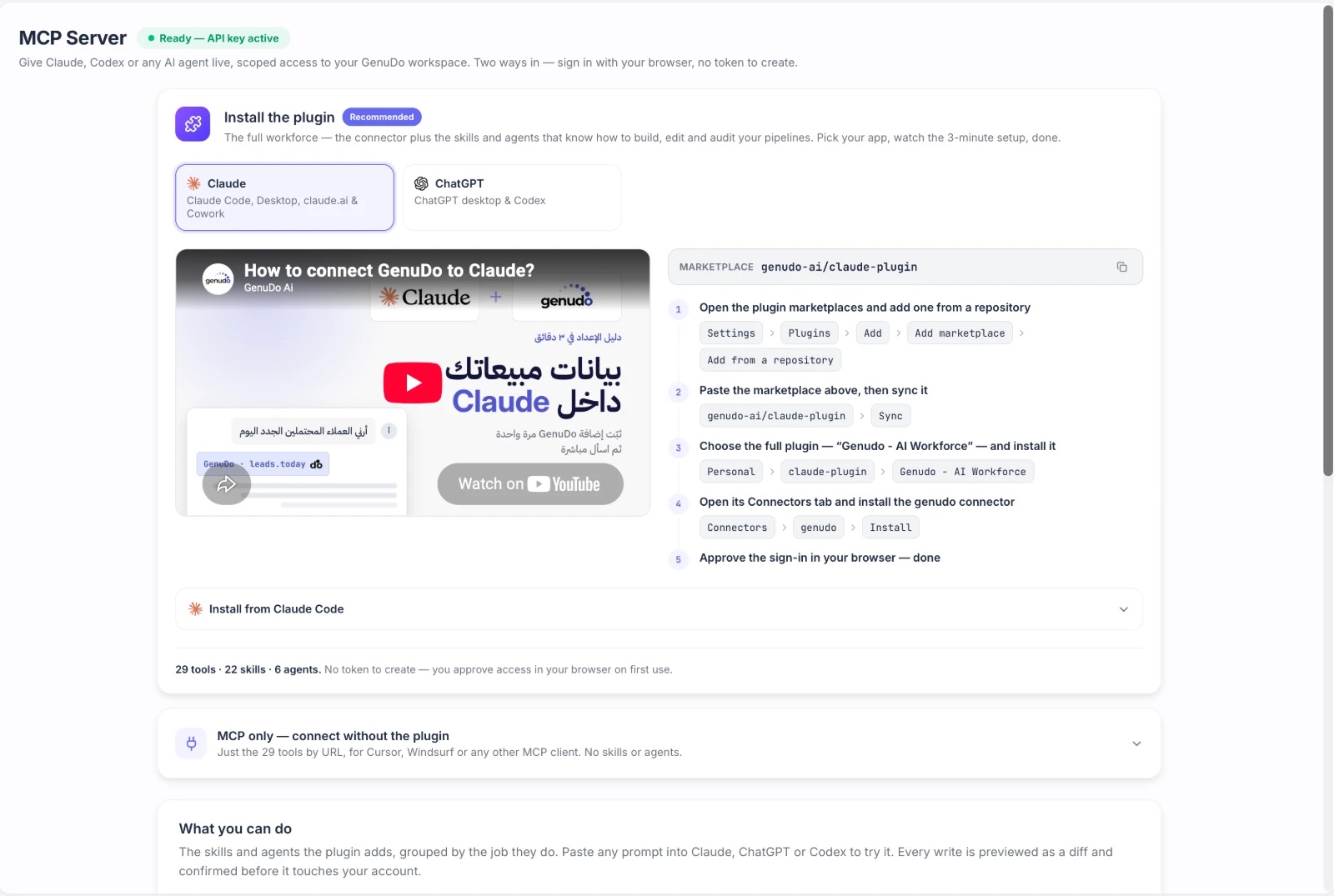
If you already work in Claude or ChatGPT, install our plugin and ask in plain words: build a new employee, adjust what a live one says, or find out why a customer got a certain reply.
The customer chats on WhatsApp like any other day. Behind the scenes, the employee checks free slots, books, and sends the details to your tools.
The tools above are the easy path. If you have an in-house system or a tool that is not listed, your developer can connect it these ways.
No. GenuDo works with what you have. Your team keeps working in its own tools, and the employee does the updating and booking.
You can usually reach it through Zapier, Make, n8n or the API. Talk to us and we will tell you the best fit.
You connect your number from the dashboard and the employee starts replying. If you want a hand, our team sets it up with you.
Every package and price is on the pricing page.
Tell us what you use, and we will show you an employee working on it.